Mastering Chatbot Development with Python: A Deep Dive into ChatterBot
Introduction
Chatbots have become an integral part of modern software, providing automated conversational interfaces for customer support, information retrieval, and entertainment. Python, with its rich ecosystem of libraries, offers ChatterBot—a powerful yet straightforward framework for building conversational agents. In this article, we will explore how ChatterBot learns from conversation data, selects appropriate replies based on similarity to previously seen interactions, and integrates a local language model (LLM) to round out its responses. By the end, you’ll have a solid understanding of the inner workings of ChatterBot and be ready to embark on your own chatbot development journey.
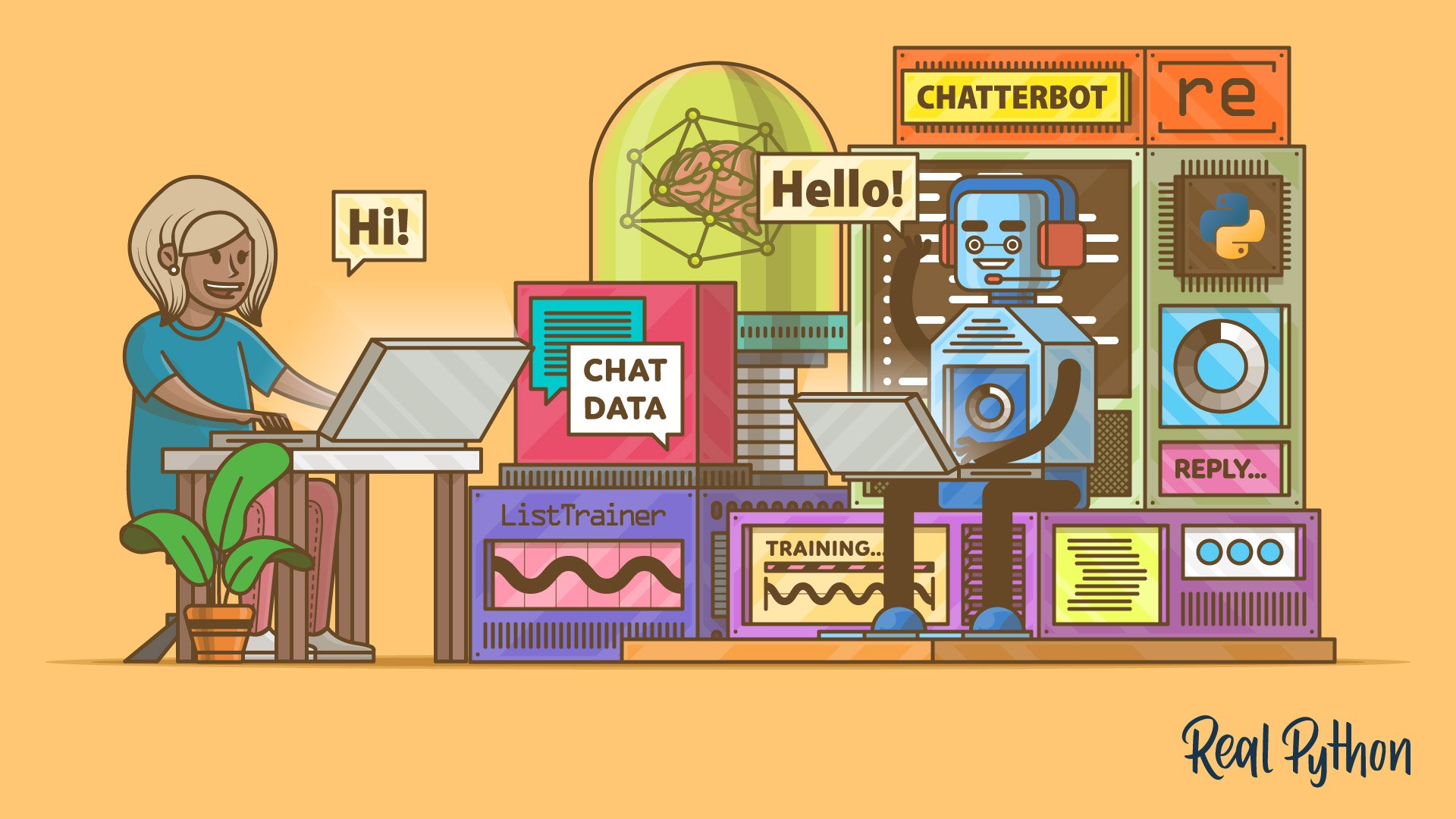
How ChatterBot Learns from Conversations
Training Data and Corpus
ChatterBot’s core learning mechanism relies on a corpus of conversational statements. When you train a chatbot, you feed it pairs of statements and responses. For example, a user might say “Hello” and the expected reply is “Hi there!”. ChatterBot stores these examples in its database, building a graph of input-output associations. The library comes with several built-in corpora (e.g., English greetings, questions) and allows you to add custom datasets. The training process can be repeated multiple times to reinforce specific patterns.
Internally, ChatterBot uses a statement selection algorithm that evaluates the relevance of stored responses based on the input it receives. It doesn’t rely on complex deep learning but rather on a combination of text similarity and frequency of occurrence to pick the most appropriate reply.
Response Selection Mechanism
Similarity-Based Matching
When a user sends a message, ChatterBot compares it with all previously learned statements using text similarity. The default algorithm calculates similarity based on cosine distance between bag-of-words vectors, but other similarity metrics (such as Levenshtein distance or Jaccard index) can be plugged in. The statement with the highest similarity score is considered the best match, and its corresponding response is retrieved.
For instance, if the chatbot has learned that “How are you?” is followed by “I’m fine, thanks!”, and a user asks “How are you today?”, the similarity check will identify the stored statement “How are you?” as a close match, returning the expected reply. This approach makes ChatterBot robust to slight variations in wording.
Confidence Scores
Every potential response comes with a confidence score that reflects how well it matches the input. Score thresholds can be configured: if the confidence is too low, the chatbot may respond with a fallback message (e.g., “I don’t understand yet.”). You can also tune the threshold to make the chatbot more conservative or more willing to guess. Advanced users can write custom logic that combines multiple criteria—such as time of day or user identity—to adjust the confidence calculation.
Integrating Local LLMs for Enhanced Responses
While ChatterBot’s standard mechanism works well for structured conversations, it can sometimes produce repetitive or disjointed replies. To overcome this, the library supports integration with local language models (LLMs) such as Llama.cpp, GPT4All, or Ollama. By offloading generation to a local LLM, the chatbot can craft more natural, context-aware, and open-ended responses.

To enable this, you configure a local LLM adapter in ChatterBot. The adapter receives the user’s input and the top candidate statements from the traditional matcher, then prompts the LLM to generate a final reply. This hybrid approach combines the reliability of learned patterns with the creativity of generative AI. Developers can choose which model size and hardware acceleration to use, balancing speed and quality.
Important considerations include memory usage and latency—local LLMs require significant computational resources. However, running models offline also ensures privacy and eliminates API costs. ChatterBot’s modular architecture makes it easy to swap out the response generator, so you can start with a simple matcher and later upgrade to an LLM-powered chatbot without rewriting your entire codebase.
Building Your Own ChatterBot
Ready to create your chatbot? Below is a high-level roadmap:
- Install ChatterBot and its dependencies:
pip install chatterbot chatterbot-corpus. - Create a chatbot instance with optional configuration (e.g., storage adapter, logic adapters).
- Train the chatbot using built-in corpora or custom data:
- Test the responses by calling
chatbot.get_response('your input'). - Add a local LLM adapter (e.g., using the
LogicAdapterclass) for improved response diversity. - Deploy the chatbot via a web interface, command-line, or integrate it into your application using the recommended learning techniques.
chatbot = ChatBot('MyBot')
chatbot.train('chatterbot.corpus.english')Remember to monitor your chatbot’s performance and retrain it periodically as new conversation logs accumulate.
Conclusion and Further Learning
ChatterBot provides an accessible entry point into chatbot development with Python. Its strength lies in its simplicity, extensibility, and ability to incorporate both similarity-based matching and local LLMs. Whether you are building a FAQ bot, a customer support assistant, or a fun conversational companion, ChatterBot offers the tools you need.
To deepen your understanding, consider exploring the source code on GitHub, studying the corpora structure, or experimenting with custom logic adapters. The official documentation and community forums are excellent resources. Happy coding!
Related Articles
- Fedora's AI Desktop Plan Halted: Community Concerns Force Vote Reversal
- How to Earn a Place in the ISTE+ASCD Voices of Change Fellowship Program
- Time-Crunched Beginners Can Master Excel with Four Quick Projects, Experts Say
- Grafana Assistant Pre-Learns Your Infrastructure for Instant Incident Response
- 7 Key Facts About Joby's JFK-to-Midtown Air Taxi Demonstration
- 10 Essential Lessons from macOS Apprentice for Aspiring Mac Developers
- Building a Resilient Network: A Step-by-Step Guide to Cloudflare's Fail Small Configuration Deployment Strategy
- Mastering Virtual Thread Synchronization: Avoiding Pinning Pitfalls