5 Cutting-Edge Web Development Features You Need to Know Right Now
If you're passionate about pushing the boundaries of what's possible on the web, you're in for a treat. This roundup dives into five of the most exciting recent developments—from building 3D voxel scenes you can style with CSS to perfecting focus animations and mastering advanced selector syntax. Whether you're tinkering with new tools or staying ahead of browser updates, these insights will supercharge your workflow. Let's jump in.
1. Heerich.js: Build and Style 3D Voxel Scenes with CSS
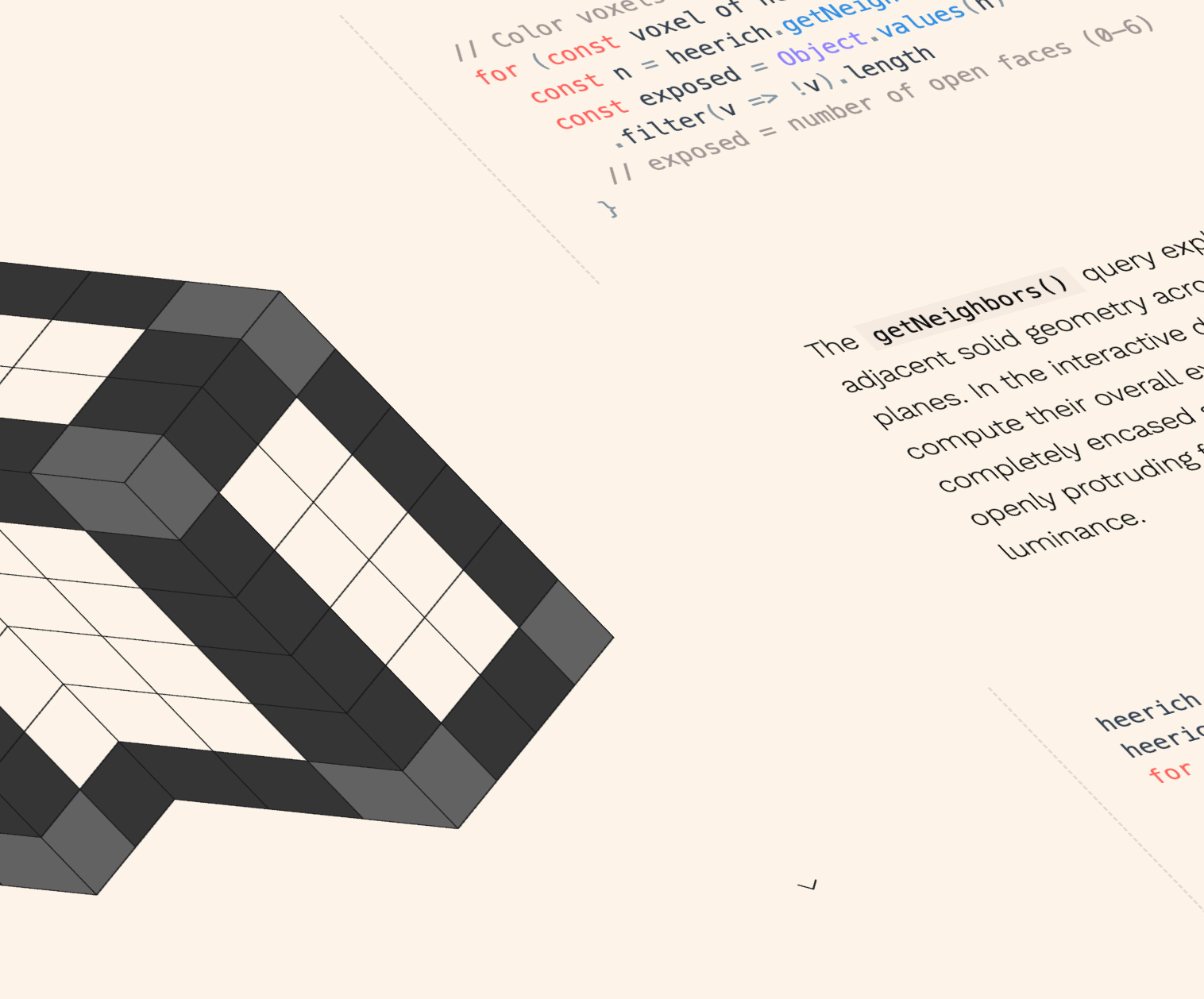
Inspired by the geometric sculptures of Erwin Heerich, David Aerne created Heerich.js—a lightweight engine that generates 3D voxel scenes as SVG. The real magic? Because SVGs can leverage CSS variables, you can style these scenes entirely with your existing stylesheets. That means you can tweak colors, shadows, and even animations without touching the JavaScript. It's a perfect blend of three-dimensional creativity and modern CSS flexibility, opening up new possibilities for interactive art, data visualization, or just playful UI elements. The engine's simplicity makes it approachable for developers who want to experiment with 3D without diving into complex WebGL or Three.js setups.
2. Polypane Snippet Store: One‑Click De‑Crapulation
Polypane, already a favorite browser for web development, introduced a snippet store that lets you grab clean, bare‑bones HTML for components with one click. The star of the show is the "1‑Click De‑crapulator"—a tool that strips away all the bloat and leaves you with just the structure you need. This is a game‑changer for rapid prototyping and learning, as you can instantly see the minimal markup behind any element. The snippet store also encourages community sharing, so you can find and contribute useful patterns. If you've ever wasted time untangling complex code samples, this feature (with its wonderfully cheeky name) is exactly what you've been waiting for.
3. Animating Focus with View Transitions: A Guided Exploration
Chris Coyier demonstrated how to animate focus using the View Transitions API, making it easier for users to track which element is active. He also highlighted a crucial accessibility nuance: using the prefers-reduced-motion media query to conditionally disable the animation when users prefer less motion. This approach respects user preferences while still providing a visually clear focus indicator for those who want it. The technique blends smooth, attention‑grabbing transitions with responsible design, offering a robust solution for keeping focus visible without being jarring. It's a fantastic case study in balancing aesthetics with accessibility, and the comments section adds even more depth.
4. Flying Focus: A CSS‑Only Technique for Floating Focus Indicators
In the comments of Chris Coyier's article, Kilian Valkhof (founder of Polypane) shared a clever CSS‑only method for creating a "flying focus" effect. Instead of relying on JavaScript or view transitions, this approach uses pure CSS to make the focus indicator smoothly float between elements. It's especially helpful for users who struggle to follow the focus—even when it's highly visible—because the movement naturally guides the eye. The technique takes advantage of modern CSS transitions and transforms, proving that you can achieve impressive UI feedback without heavy scripting. For those looking to implement a dynamic focus style with minimal code, this is a must‑see addition to your toolbelt.

5. Mastering the of <selector> Syntax in CSS
Paweł Grzybek highlighted that the of <selector> syntax for :nth-child() is now Baseline (widely supported). This feature lets you select the nth element matching a specific selector among siblings—much more flexible than :nth-of-type(), which is limited to element types. For example, div:nth-child(2 of .intro) selects the second .intro element that is also a div. Even better, you can combine it with CSS nesting: .intro { :nth-child(2 of &) { ... } } selects the second .intro child within any .intro parent. This power, combined with the fact that many developers missed its growing support, makes it a perfect example of how modern CSS keeps evolving. As Preethi Sam recently covered it too, now is the time to add this to your reading list.
From 3D styling to smarter selectors, these five features show how quickly the web platform is advancing. Whether you're building the next great interactive experience or polishing everyday UI, these tools and techniques will help you write cleaner, more powerful code. Keep experimenting, and stay curious—there's always something new to discover.
Related Articles
- How to Decode the Pixel 11 Leak: Tensor G6, Camera, and Pixel Glow Discovered
- 10 Things You Need to Know About the New AI Safety Checks
- AI Era Forces Companies to Abandon Slow Decision Hierarchies, CEO Warns
- Lessons from the Courtroom: How a Legal Misstep Unfolded in Musk v. Altman
- Microsoft Assures Users: Extra Restart During Windows 11 Updates is Normal, Not a Failure
- Microsoft Azure Powers Europe's AI Revolution with Expanded Cloud Infrastructure
- Safari Technology Preview 237: Enhanced Accessibility and CSS Features
- 5 Essential Web Development Updates You Can't Miss: Voxel Scenes, Flying Focus, and More