The Silent Destroyers: Avoiding Common Fire TV Stick Pitfalls
Overview
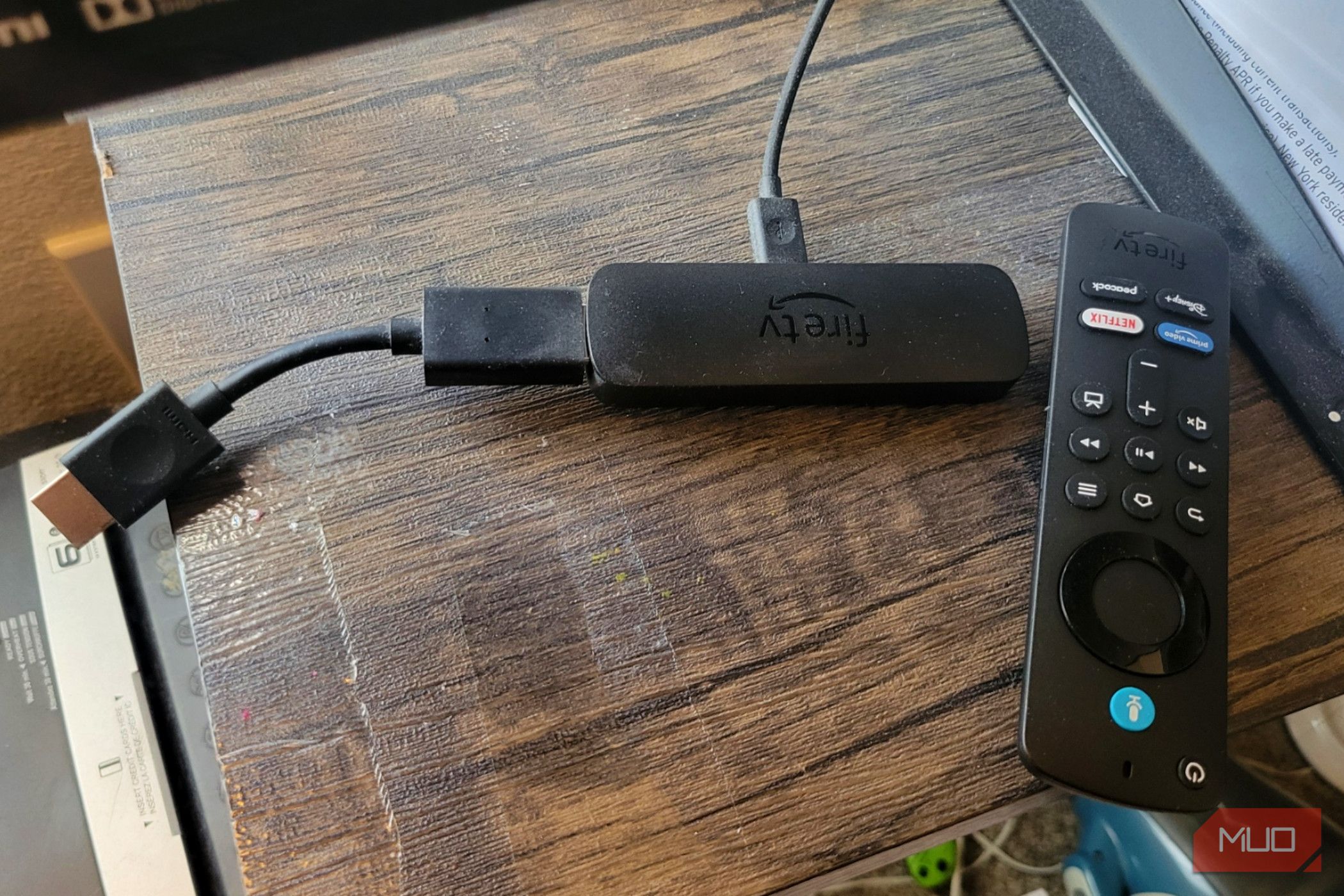
The Amazon Fire TV Stick is a compact streaming powerhouse that can transform any HDMI-equipped TV into a smart entertainment hub. However, its small size and apparent simplicity often lead to habits that gradually degrade performance, cause overheating, or even permanently damage the device. This guide identifies five critical mistakes that can silently undermine your Fire Stick's lifespan and reliability. By understanding these pitfalls and following the step-by-step advice below, you'll ensure your streaming experience remains smooth and your hardware stays healthy.
Prerequisites
- An Amazon Fire TV Stick (any generation) with its original remote and accessories.
- A stable Wi-Fi network (2.4 GHz or 5 GHz) for streaming and updates.
- The original power adapter and USB cable (essential for proper voltage).
- A TV with an available HDMI port.
- Basic familiarity with the Fire TV interface (home screen, settings, app management).
Step-by-Step Instructions: Avoiding Five Critical Mistakes
Mistake 1: Powering the Fire Stick Through a TV's USB Port
The Problem: Many users plug the Fire Stick directly into a TV's USB port instead of using the supplied wall adapter. While convenient, TV USB ports often deliver insufficient power (usually 500mA or less) compared to the 1A or more required by the Fire Stick. This under‑powering causes the stick to crash, restart randomly, lose Wi‑Fi connectivity, or run slowly. Over time, it can shorten the lifespan of the internal components.
Solution: Always use the original power adapter and plug it into a wall outlet. If the adapter is lost, purchase a high‑quality 1.5A or 2A USB power adapter from a reputable brand. Do not rely on a TV’s USB port, even if it claims to be “high‑power.”
Mistake 2: Blocking Ventilation or Hiding the Stick Behind the TV
The Problem: The Fire Stick generates heat during operation. Tucking it behind a TV where air cannot circulate, or placing it in an enclosed cabinet, traps heat and causes the device to throttle performance or shut down. Continued overheating can permanently damage the processor and memory.
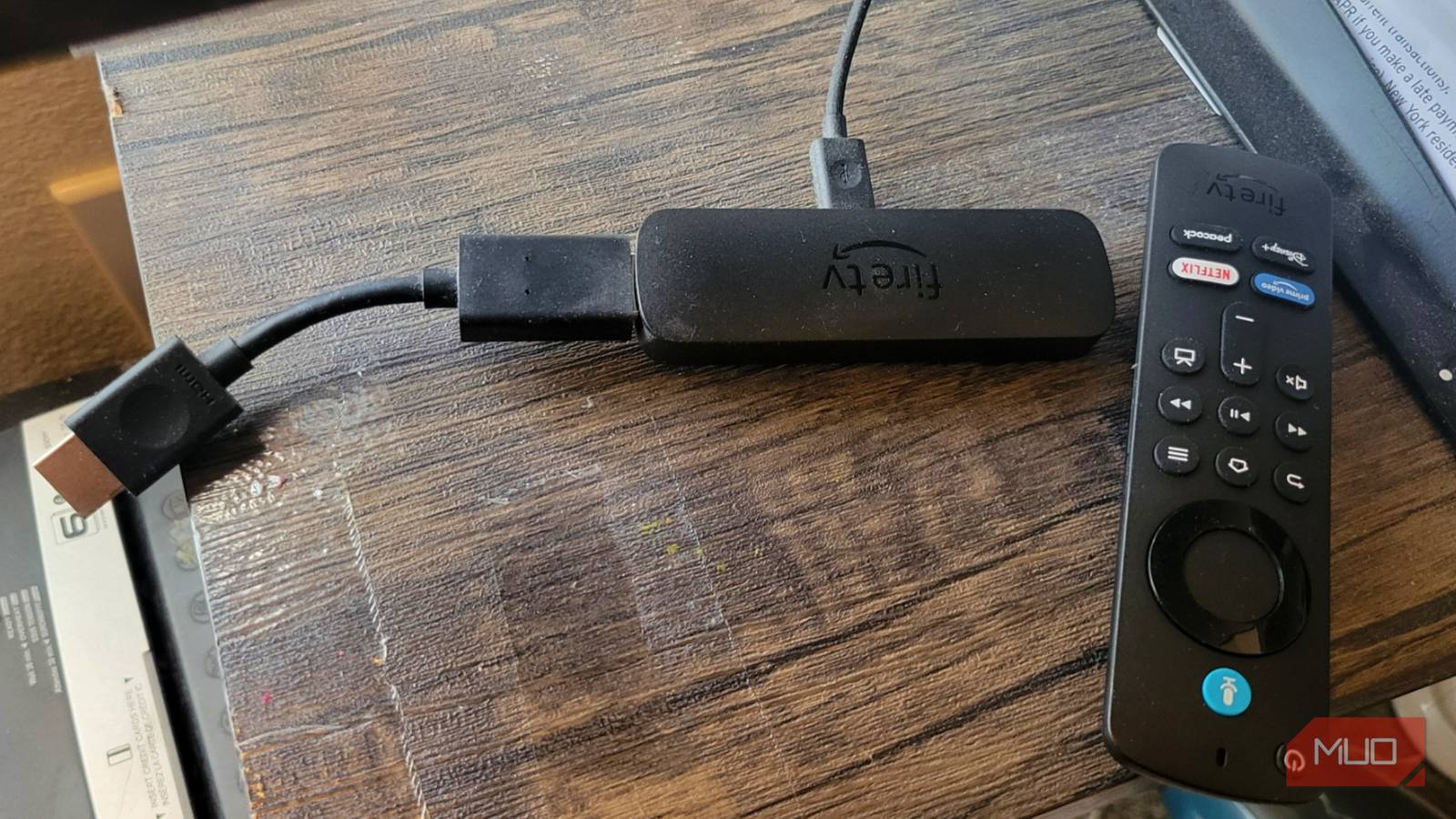
Solution: Position the Fire Stick in a location with at least two inches of clearance around its body. Avoid direct stacking of cables or other devices on it. If you must place it behind the TV, use an HDMI extension cable (included with many Fire Stick packages) to bring the stick forward and improve airflow. Ensure the surrounding area is dust‑free.
Mistake 3: Ignoring Software and Firmware Updates
The Problem: Amazon frequently releases updates that fix bugs, patch security vulnerabilities, and improve performance. Skipping these updates leaves your device exposed to glitches, app incompatibility, and potential security risks. Outdated software can also cause gradual system slowdowns as new apps demand more resources.
Solution: Enable automatic updates in settings: Settings → My Fire TV → About → Install updates automatically. Alternatively, manually check for updates every few weeks by selecting Check for System Update. Also update the Fire TV remote app and any installed streaming apps via the Appstore.
Mistake 4: Overloading Internal Storage with Unused Apps and Cached Data
The Problem: Fire Sticks come with limited storage (usually 4–8 GB). Installed apps, cached thumbnails, and downloaded content fill this space quickly. When storage runs low, the system struggles to cache data, leading to buffering, lag, and app crashes. Over time, the wear on the flash memory can reduce its lifespan.
Solution: Regularly uninstall apps you no longer use: Settings → Applications → Manage Installed Applications → Select app → Uninstall. Clear cached data for apps like Netflix or YouTube by choosing Clear Cache. Use the Internal Storage menu to see how much free space remains, and aim to keep at least 500 MB free. For older models, consider using a USB‑OTG adapter to expand storage (if supported).
Mistake 5: Using Loose or Incompatible HDMI Connections
The Problem: The Fire Stick’s HDMI connector is designed to fit snugly into a port. Using low‑quality HDMI extenders, heavily worn cables, or connecting through a heavily loaded HDMI switch can cause signal degradation, intermittent black screens, or loss of audio. Additionally, physically bending the stick while plugged in can damage both the stick’s connector and the TV’s HDMI port.
Solution: Always use the HDMI extender that came with the Fire Stick (or a high‑quality replacement) if you need extra reach. Ensure the extender is fully seated and not twisted. Avoid using multiple adapters in series. If using an HDMI switch, make sure it supports HDCP 2.2 and 4K at 60 fps (depending on your stick model). Never force the stick into a port at an angle.
Common Mistakes – Quick Reference
- Using TV USB port for power – Causes instability and potential component damage.
- Blocking airflow – Leads to overheating and performance throttling.
- Skipping updates – Leaves device vulnerable to bugs and security flaws.
- Ignoring storage limits – Results in sluggishness and app failures.
- Poor HDMI connections – Causes signal loss and physical wear.
If you suspect your Fire Stick has already suffered from any of these issues, try performing a factory reset: Settings → My Fire TV → Reset to Factory Defaults. Then follow the instructions above to maintain optimal performance.
Summary
By avoiding these five common errors—power source misuse, restricted ventilation, neglected updates, storage overloading, and improper HDMI connections—you can extend your Fire TV Stick’s life and enjoy reliable streaming. Regular maintenance like clearing cache, updating software, and ensuring proper power delivery will keep your device performing like new. Remember: small habits prevent big problems.
Related Articles
- The One Feature Your TV is Missing: Wide Viewing Angles Explained
- Malicious Ruby Gems and Go Modules Target CI/CD Pipelines in Sophisticated Supply Chain Attack
- Affordable Smart Kitchen Gadgets Surge in Popularity, Experts Say No Renovation Needed
- OpenSearch’s Leap into AI: How Versions 3.5 and 3.6 Transform Vector Search and Agent Memory
- 7 Critical Facts About Trump's Proposed 25% Tariff on EU Automobiles
- Building a Multi-Agent AI System for Next-Gen Advertising
- The Sleeper Threat: How Malicious Ruby Gems and Go Modules Target CI/CD Pipelines
- Why HBO's 'Rome' Remains a Masterpiece of Historical Drama and a Hidden Gem