10 Essential Facts About the AWS MCP Server for AI Agents
If you've been experimenting with AI agents and MCP tools, you've probably faced the same dilemma: how do you give an agent real, authenticated access to AWS without handing over full control? The answer has arrived with the general availability of the AWS MCP Server. This managed remote Model Context Protocol (MCP) server provides AI agents and coding assistants with secure, authenticated access to all AWS services through a fixed set of tools. It's part of the Agent Toolkit for AWS, which also includes skills and plugins to help coding agents build more effectively. Here are ten key things you need to know about this new offering.
1. Seamless and Secure AWS Access for AI Agents
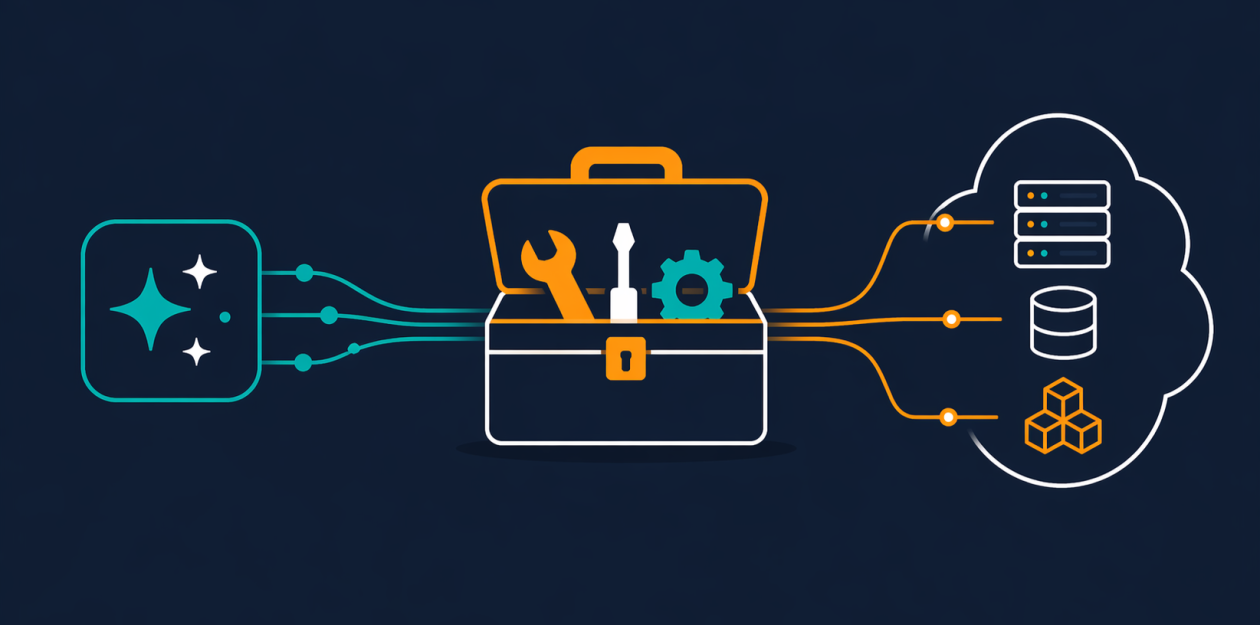
The AWS MCP Server solves a long-standing problem: how to let AI agents interact with AWS without exposing your entire infrastructure. It uses your existing IAM credentials to authenticate requests, so there's no separate permission system to manage. The server operates through a small, compact set of tools that don’t eat up your model’s context window. This means your agent can call any of the 15,000+ AWS API operations securely, using the permissions you already have. Whether it's listing S3 buckets or invoking Lambda functions, the access is real but fully controlled. No more handing over the keys to the kingdom.
2. Up-to-Date Documentation at Query Time
One major issue with coding agents is that they rely on outdated training data. They might not know about newer services like Amazon Aurora DSQL or Amazon Bedrock AgentCore. The AWS MCP Server addresses this with two dedicated tools: search_documentation and read_documentation. These retrieve the latest AWS documentation and best practices in real time. So when an agent needs to build infrastructure, it always works from current information. This ensures that the solutions it generates are production-ready, not based on stale knowledge. Best of all, documentation retrieval now requires no authentication, making it even easier to use.
3. Fine-Grained IAM Control with Context Keys
Previously, using the AWS MCP Server required a separate IAM permission, adding complexity. With general availability, the server now supports IAM context keys. This means you can express fine-grained access control directly in a standard IAM policy. Your agent can perform specific actions without needing a broad blanket permission. For example, you can restrict an agent to only read from certain S3 buckets or only call specific Lambda functions. This tightens security and follows the principle of least privilege, making your AI deployments safer.
4. A Sandboxed Python Environment for Safer Scripting
The new run_script tool is a game-changer. It allows your agent to write a short Python script that runs server-side in a sandboxed environment. The sandbox inherits your IAM permissions but has no network access. This means the agent can process data, chain multiple API calls, and compute results—all without touching your local file system or giving it a shell. It's a safe way to let agents handle complex tasks that require multiple steps, reducing the risk of unauthorized access to your local machine. If you need to run a script that combines data from DynamoDB and S3, this tool handles it efficiently.
5. Reduced Token Consumption for Complex Workflows
Context windows are a precious resource in AI interactions. The AWS MCP Server has been optimized to reduce the number of tokens required per interaction. This is especially important for complex, multi-step workflows where every token counts. By using a small set of tools and efficient communication, the server helps your agent stay within context limits, avoiding truncation or loss of important information. The result is smoother, more coherent agent behavior, even during lengthy sessions.
6. Fast Response to New APIs
Cloud services evolve quickly. New AWS APIs launch regularly, and the AWS MCP Server is designed to keep up. When a new API becomes available, it can be supported within days. This is because the call_aws tool executes any AWS API operation using your credentials; it's not limited to a pre-approved list. So as soon as Amazon releases a new service or feature, your agent can start using it almost immediately. This agility is crucial for teams that want to leverage the latest innovations without waiting for updates.

7. Skills Over Agent SOPs: Better Guidance
A significant upgrade in this release is the transition from Agent SOPs to Skills. Skills provide curated, best-practice guidance for common tasks. Instead of generic step-by-step instructions, Skills offer contextual advice that helps agents make better decisions. For example, a Skill for building a serverless application would recommend using the AWS CDK over the AWS CLI, and suggest optimal IAM policies. This shift makes agents more effective at producing production-quality infrastructure from the start, reducing the need for manual review and rework.
8. No More Outdated Infrastructure Choices
Coding agents often default to using the AWS CLI for infrastructure tasks, which leads to scripts that are hard to manage and not repeatable. The AWS MCP Server encourages better practices. By providing documentation and skills that promote the AWS CDK or CloudFormation, agents can generate infrastructure-as-code templates that are declarative, version-controlled, and production-ready. This change is subtle but powerful—your agent won't just throw together a demo; it will build real, maintainable systems.
9. Authenticated Documentation Access No Longer Required
In the past, retrieving documentation required authentication, which added friction and limited use cases. Now, the documentation retrieval tools work without any authentication. This means any agent (or even a developer) can look up current AWS docs quickly. It lowers the barrier to getting accurate, up-to-date information, making the server more accessible for casual exploration as well as deep integration. Whether you're troubleshooting or planning architecture, the docs are just a query away.
10. Part of a Broader Agent Toolkit for AWS
The AWS MCP Server doesn't exist in isolation. It's one component of the Agent Toolkit for AWS, which also includes plugins for popular IDEs and additional skills. This ecosystem is designed to help coding agents build more effectively on AWS. By integrating with the toolkit, agents can leverage a unified set of capabilities: secure API access, current documentation, sandboxed scripting, and best-practice guidance. As the toolkit expands, expect even more features that make AI-assisted cloud development seamless and secure.
Conclusion
The AWS MCP Server marks a significant step forward in enabling AI agents to work with AWS securely and intelligently. With its small footprint, support for fine-grained IAM controls, real-time documentation access, and sandboxed scripting, it addresses many of the pain points that developers have faced. By using Skills instead of rigid SOPs, it promotes best practices that lead to production-ready infrastructure. Whether you're building a simple prototype or a complex multi-service application, the AWS MCP Server gives your agent the tools it needs—without giving away the keys. Dive into the secure access features and see how it can transform your AI-driven development workflows.
Related Articles
- Securing Autonomous AI Agents on Kubernetes: A Practical Guide
- How Cloudflare Migrated Browser Run to Containers for Faster, More Scalable Performance
- 10 Transformative Upgrades to Browser Run on Cloudflare Containers
- Kubernetes v1.36 Debuts New Route Sync Metric to Optimize Cloud Controller Performance
- Serverless Spam Classifier Launched: Real-Time ML on AWS Lambda
- Kubernetes 1.36 Beta Feature Eliminates Upgrade Errors: Mixed Version Proxy Now Default
- Mastering Controller Resilience: A Guide to Staleness Mitigation and Observability in Kubernetes v1.36
- Euro-Office and the Quest for Digital Sovereignty: Why Document Formats Matter