Navigating GPU Choices: A Step-by-Step Guide to Software-Dominated Hardware
Introduction
Remember when picking a graphics card was as simple as matching specs and benchmarks? Those days feel like a distant memory. Today, buying a GPU involves analyzing software ecosystems, upscaling technologies, and ray tracing tiers that can dramatically shift performance. This guide walks you through the modern decision process, helping you cut through the hype and choose a card that actually fits your gaming and creative needs.
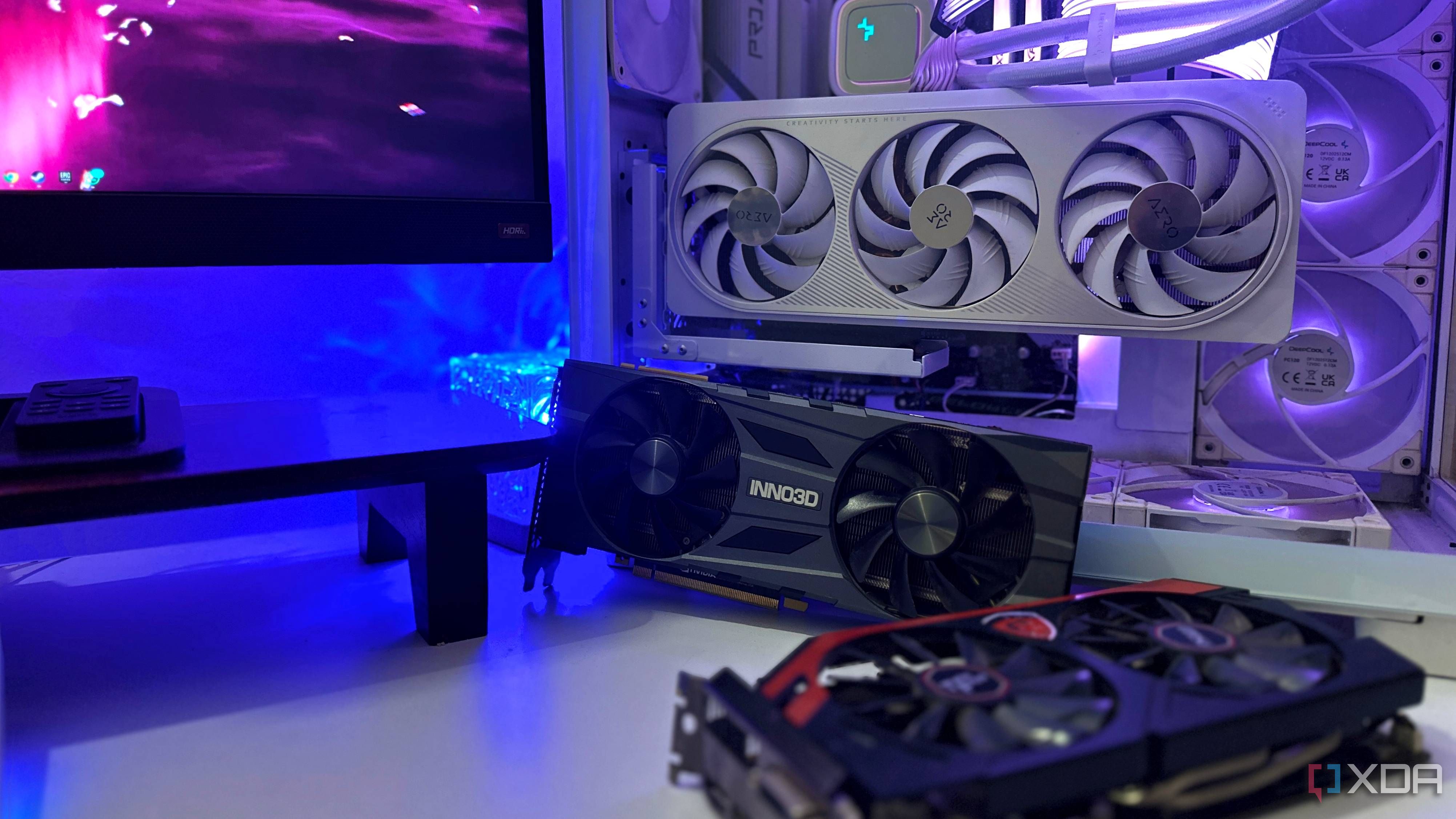
What You Need Before Starting
- Budget range – Be realistic about what you're willing to spend.
- Primary use case – Gaming, video editing, 3D rendering, or a mix?
- Current monitor resolution and refresh rate (e.g., 1080p 144Hz, 4K 60Hz).
- List of games or software you use – Especially titles known for ray tracing or upscaling support.
- System specs – CPU, power supply wattage, case size, and available PCIe slots.
- Access to benchmark databases – Sites like TechPowerUp, Tom's Hardware, or Gamers Nexus.
Step-by-Step Guide
Step 1: Define Your Performance Baseline
Start by identifying the minimum frame rates you consider acceptable for your favorite games or apps. If you play competitive shooters, aim for 144+ fps at your monitor's native resolution. For single-player titles or creative work, 60 fps may suffice. Write down your targets – this anchors every later comparison.
Step 2: Assess Raw Rasterization Performance
Look up standard benchmark scores (e.g., 3DMark Time Spy, PassMark) and game-specific fps averages without any upscaling. This gives you a baseline of pure GPU horsepower. Compare cards within your budget – note which ones meet your Step 1 targets without relying on software tricks.
Step 3: Learn the Upscaling Tiers
Modern GPUs use different upscaling technologies:
- NVIDIA DLSS (Deep Learning Super Sampling) – requires RTX 20/30/40 series; noticeably sharp, especially with ray tracing.
- AMD FSR (FidelityFX Super Resolution) – works on most GPUs but varies in quality; newer versions (FSR 3) with frame generation are competitive.
- Intel XeSS – available on Arc and some other GPUs; quality improves over time.
Check which games from your library support each technology. A card that seems weaker in rasterization might leap ahead when upscaling is enabled.
Step 4: Evaluate Ray Tracing Capabilities
Ray tracing is now a major selling point, but not all cards handle it equally. NVIDIA's RT cores offer robust performance; AMD's current RDNA 3 is catching up. Look for dedicated ray tracing benchmarks in the games you play. If you rarely enable RT, don't pay a premium for it.
Step 5: Compare Software Ecosystems
Drivers, overlays, and exclusive features matter. NVIDIA offers DLDSR (Deep Learning Dynamic Super Resolution) and Reflex (low-latency mode). AMD provides Radeon Boost and Anti-Lag. Intel's Arc software includes features like Xe Super Resolution. Think about which suite your workflow benefits from – for example, content creators might value NVIDIA's NVENC encoder or AMD's VCE.
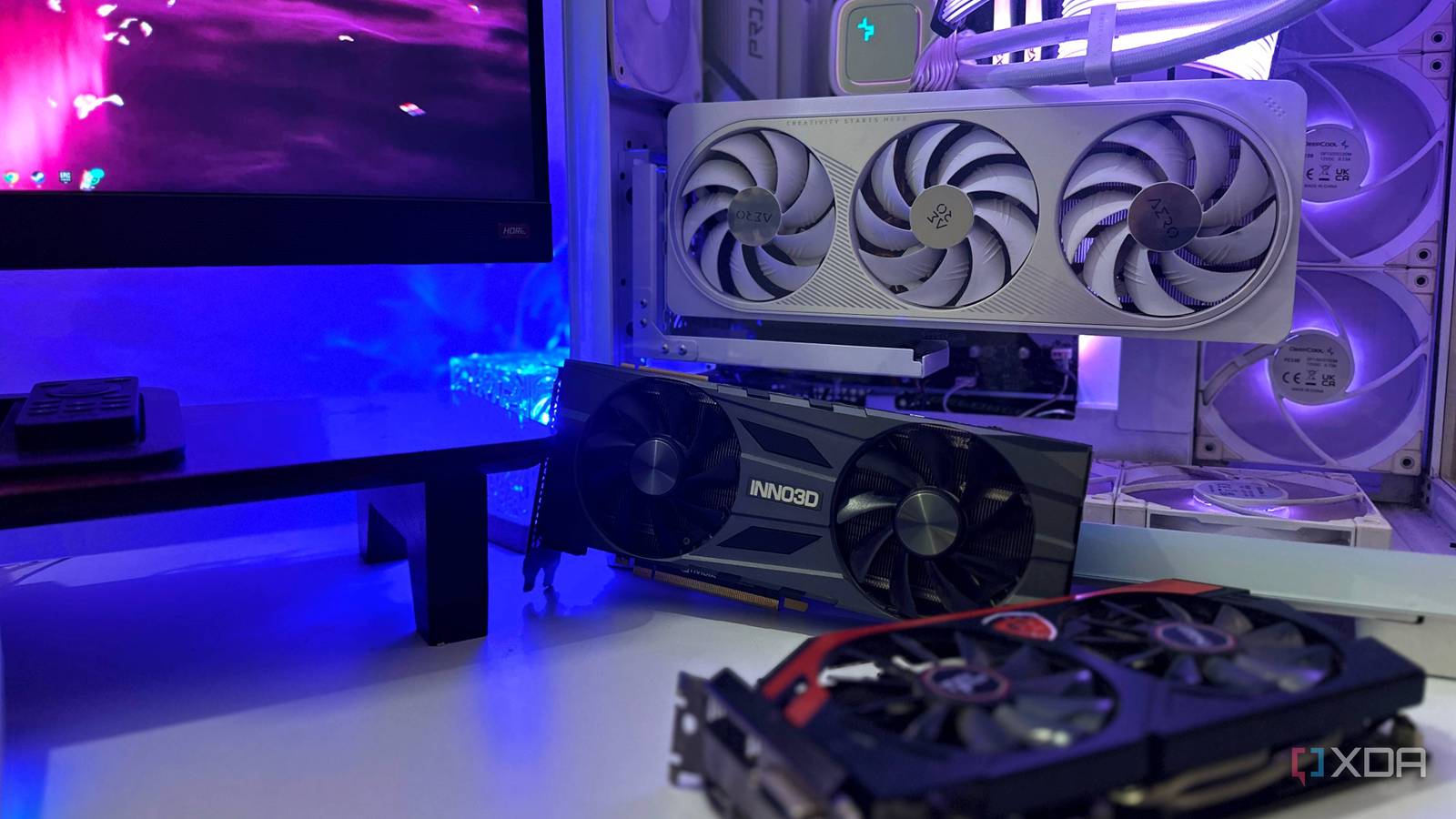
Step 6: Calculate Price-to-Performance with Software Features
Divide the card's cost by the average fps you'd expect with upscaling/RT enabled in your most-used games. A card that's 10% slower in raw benchmarks but costs 15% less and supports better upscaling might actually be the better value. Make a shortlist of 2–3 finalists.
Step 7: Read Recent User Reviews and Future-Proof
Check community forums (Reddit, Overclock.net) for real-world experiences with driver stability, coil whine, and thermal performance. Also look at upcoming game engines – if many new titles adopt Unreal Engine 5's Lumen and Nanite, ray tracing and upscaling will become more important. Consider whether the card's VRAM (e.g., 8GB vs 12GB) will suffice for resolutions and textures you'll use in 2–3 years.
Tips for Making the Final Decision
- Prioritize features that match your habits. If you never use ray tracing, don't pay for it. If you play only esports titles, raw fps matters more than upscaling tiers.
- Don't ignore the used market. A used RTX 3080 might offer better raw performance than a new RTX 4060 at the same price – just be aware of warranty and mining wear.
- Wait for sales or bundle deals. Holiday seasons often include games or discounts that tilt the value equation.
- Test your own workload. If possible, borrow a friend's card or use return-friendly retailers to see if software features make a tangible difference in your specific setup.
- Remember that driver updates evolve. A card that looks weak today may improve significantly after a few months of optimizations – especially with Intel Arc or AMD FSR updates.
Buying a GPU in the age of software tiers isn't the simple horsepower race it used to be, but by breaking down the decision into these steps, you can confidently pick the right card for your priorities.
Related Articles
- Breaking: Frontier AI Poses Urgent Defense Challenges, Unit 42 Report Warns
- Unifying Cloud Visibility: HCP Terraform with Infragraph – Your Questions Answered
- Navigating a New Chapter: Insights from a Tech Founder's Sabbatical
- Oppo Find X9 Ultra: The Camera That Finally Made Me Think About Leaving My Pixel Behind
- Save on SwitchBot's Rechargeable Button Pusher This Mother's Day
- Kubernetes v1.36 Overhauls Workload Scheduling with PodGroup API for Better AI/ML and Batch Job Handling
- GameSpot Reveals 2026's Must-Play Titles: Three Games Already Score a 9
- ASML's Lithography Technology Roadmap: From DUV to Hyper-NA and the Future of Chip Manufacturing