Pixel May 2026 Update: Full List of Supported Models and Crucial Bug Fixes
Google's monthly Pixel updates aren't all created equal—some introduce flashy new features while others focus on behind-the-scenes improvements. The May 2026 update falls into the latter category, but don't let that fool you: it's one of the most important patches of the year. After the notoriously buggy March and April updates left many users frustrated, this latest rollout targets several well-known issues, including slow wireless charging, camera app freezes, and screen flickering. Below, we answer the key questions about what's in the update, which devices get it, and how to install it.
What exactly does the May 2026 Pixel update fix?
This update primarily addresses a handful of persistent bugs that have been plaguing Pixel users. Among the most notable fixes are improvements to wireless charging performance—many owners reported extremely slow charging speeds after recent updates. The camera app, which would freeze or crash during use, has also been stabilized. Additionally, Google has patched a display flickering issue that occurred under certain brightness levels or refresh rates. While there are no major user-facing features, the update lays critical groundwork for smoother day-to-day operation. If you experienced any of these glitches, the May 2026 patch is well worth installing.
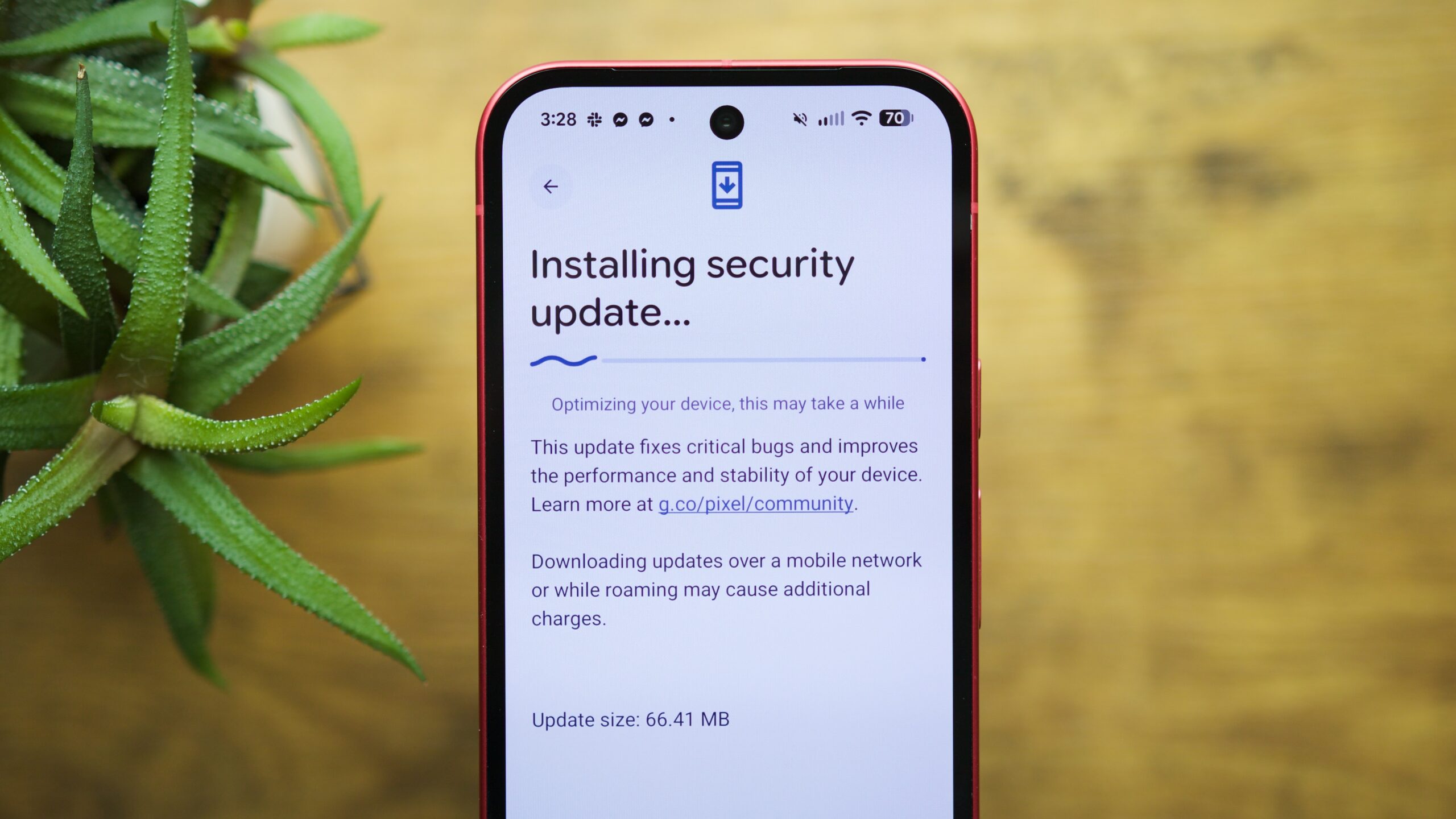
Why is the May 2026 update especially important?
The previous two monthly updates—March and April 2026—developed a reputation for being unusually buggy. Users reported a range of stability problems that made the phone feel unreliable. The May update acts as a corrective measure, rolling back the instability and restoring a consistent experience. Google has clearly prioritized bug fixes over new features this month, which is a welcome shift for those who depend on their Pixel as a daily driver. In essence, this patch is the cleanup after a messy spring, ensuring your device runs as smoothly as it should have from the start.
Which Pixel models are supported for the May 2026 update?
Google typically supports recent flagship and mid-range Pixel generations with monthly security and feature updates. Based on the pattern established over the past year, the May 2026 update is rolling out to the following models: Pixel 6, Pixel 6 Pro, Pixel 6a, Pixel 7, Pixel 7 Pro, Pixel 7a, Pixel 8, Pixel 8 Pro, Pixel 8a, Pixel Fold, and Pixel Tablet. Older devices like the Pixel 5 or Pixel 5a have likely ended their guaranteed update window. Always check your device's Settings > About Phone > System Updates to see if the OTA has arrived for your specific unit.
How do I install the May 2026 update on my Pixel?
Installing the update is straightforward. Go to Settings > System > System Update and tap Check for update. If the May 2026 patch is available for your device, you'll see a download button. Make sure your phone is connected to Wi-Fi and has at least 50% battery (or plug it in). The update will download and then prompt you to restart. The process typically takes 10–20 minutes. If you don't see the update right away, be patient—Google rolls out patches in waves over a few days to a week. You can also sideload the OTA file from Google's developer site if you're comfortable with manual installations.
Will the May 2026 update fix performance issues from previous months?
Based on the official changelog and early user reports, yes. The March and April updates introduced several regressions, including app crashes and UI jank. Google has explicitly addressed these with the May patch. The wireless charging fix alone is a major quality-of-life improvement for those who rely on charging pads. Camera stability has been restored, and display flickering—particularly at low brightness—has been mitigated. While no update is perfect, this release appears to resolve the most glaring problems users faced.
What should I do if I still encounter bugs after updating?
If issues persist after installing the May 2026 update, first try a simple restart. Sometimes background processes need a reset. If the problem remains, consider clearing the cache for individual apps (Settings > Apps > [App Name] > Storage > Clear Cache). For more stubborn bugs, boot into Safe Mode to rule out third-party interference. You can also report the issue to Google via the Feedback option in the Settings menu or through the Pixel community forums. Keep an eye out for a potential June 2026 update that may include additional fixes.
Related Articles
- How to Campaign for the Release of an Imprisoned Digital Rights Activist
- Secretlab Unveils Limited-Edition Mandalorian Gaming Chair for Star Wars Day
- Kubernetes v1.36 Introduces GA for Volume Group Snapshots: 10 Essential Facts
- Daemon Tools Hack: Supply-Chain Attack Spreads Malware to Thousands Since April
- Demystifying MCP Servers: A Step-by-Step Guide to Understanding Their Importance
- How to Get and Test the Latest Windows 11 Insider Preview Builds
- Rethinking AI's Impact on Process Speed: Why Automation Isn't a Silver Bullet
- How Microsoft and Red Hat Are Driving Production AI with Azure Red Hat OpenShift at Red Hat Summit 2026